Notes
Private & Offline.
A complete, production-quality Android note-taking application engineered with Kotlin, Jetpack Compose, Material 3, and Android Room. Rich text, interactive checklists, vector drawing canvas, color-coded folders, and authenticated client-side AES-256-GCM encrypted backups with zero cloud tracking.
☑ AES-256-GCM backup
☐ Unit verification
Capabilities
Crafted for Pure Productivity
A modern offline note-taking powerhouse inspired by Google Keep and Samsung Notes with zero tracking.
100% Offline & Private
android.permission.INTERNET is completely absent from the Android manifest. Zero telemetry, zero analytics SDKs, zero advertisements, and zero cloud tracking.
AES-256-GCM Encrypted Backups
Export client-side password-protected backup archives authenticated with AES-256-GCM and PBKDF2-HMAC-SHA256 (100,000 iterations). Your data belongs strictly to you.
Rich Text & Interactive Checklists
Bold, italic, underline, strikethrough, headings, bullet points, numbered lists, and interactive checklists with dynamic completion progress bars.
Vector Handwriting & Canvas
Natural handwriting and sketching canvas with quadratic Bézier stroke smoothing, color picker, adjustable stroke width, and full undo/redo history.
Folders, Tags & Pinning
Organize your thought library with customizable color-badged folders, hashtags, note pinning to keep priorities at top, and multi-select batch actions.
Soft-Delete Trash Bin
Safely recover accidentally deleted notes from the integrated recycle bin, or purge them permanently when you're completely done.
Instant Tokenized Live Search
Real-time debounced search indexing titles, note bodies, and folder tags with zero typing lag.
Native Kotlin 2.0 & Room
Modern Jetpack architecture with Room SQLite database, transactional integrity, and DataStore Preferences for settings.
Dual Themes (OLED & Pastel)
True black OLED Obsidian theme for midnight power saving and soft Google Keep-inspired pastel color palette for daylight clarity.
Visual Tour
Physical Device Screenshots
Captured directly from an Android 14 test device running the production APK build.
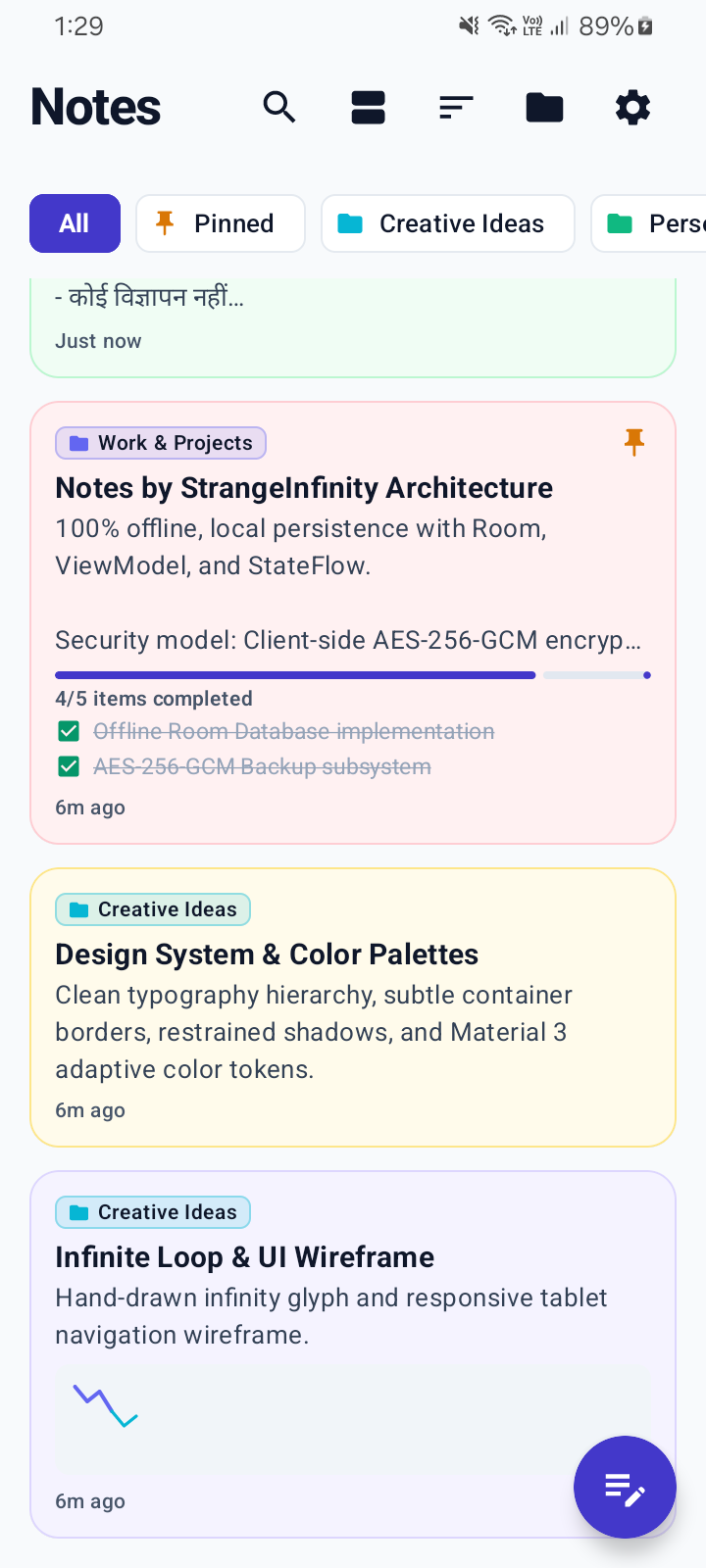
Staggered Notes Grid
Color-coded note cards, folder pills, and quick floating action button.
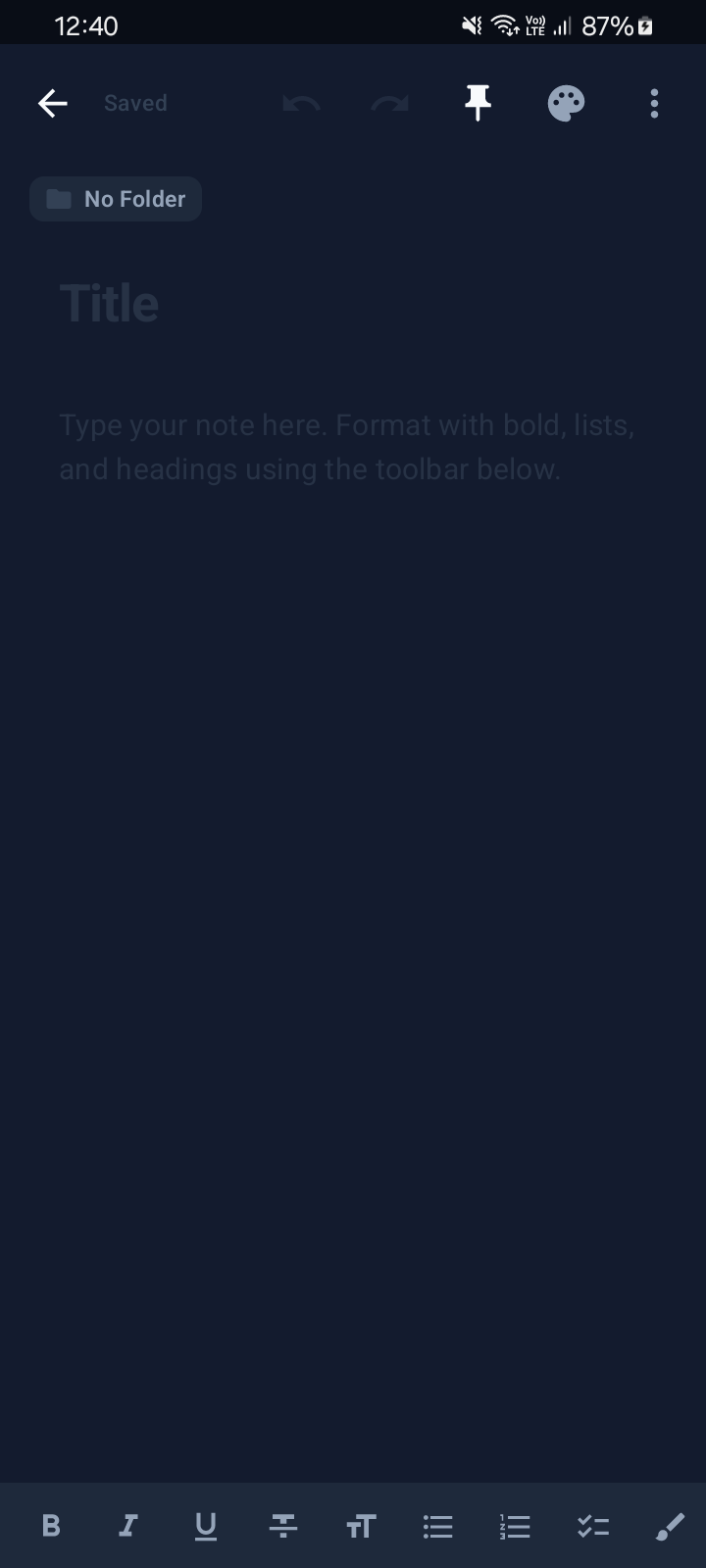
Distraction-Free Editor
High-contrast typography, live word count, and quick format toolbar.
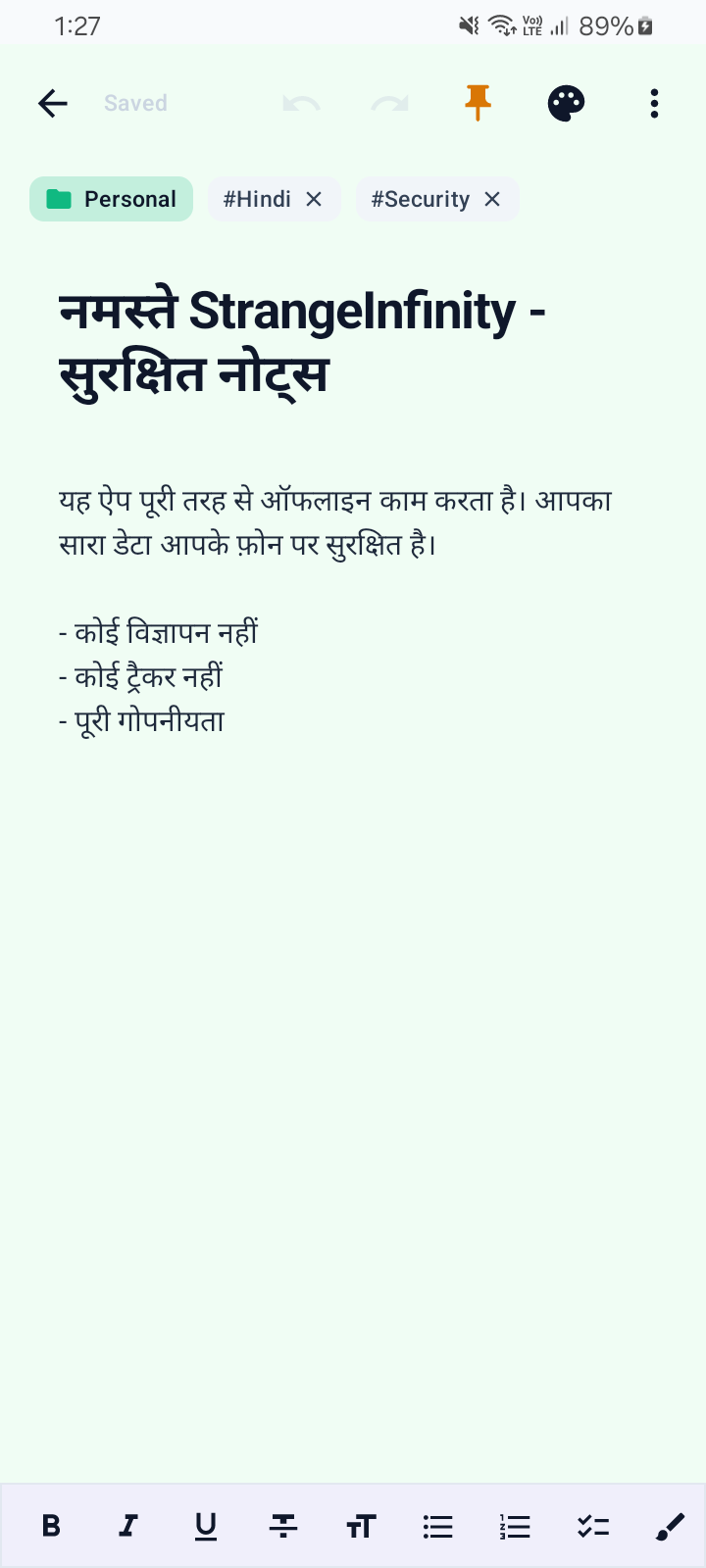
Checklists & Formatting
Interactive checklist toggles with automatic strike-through styling.
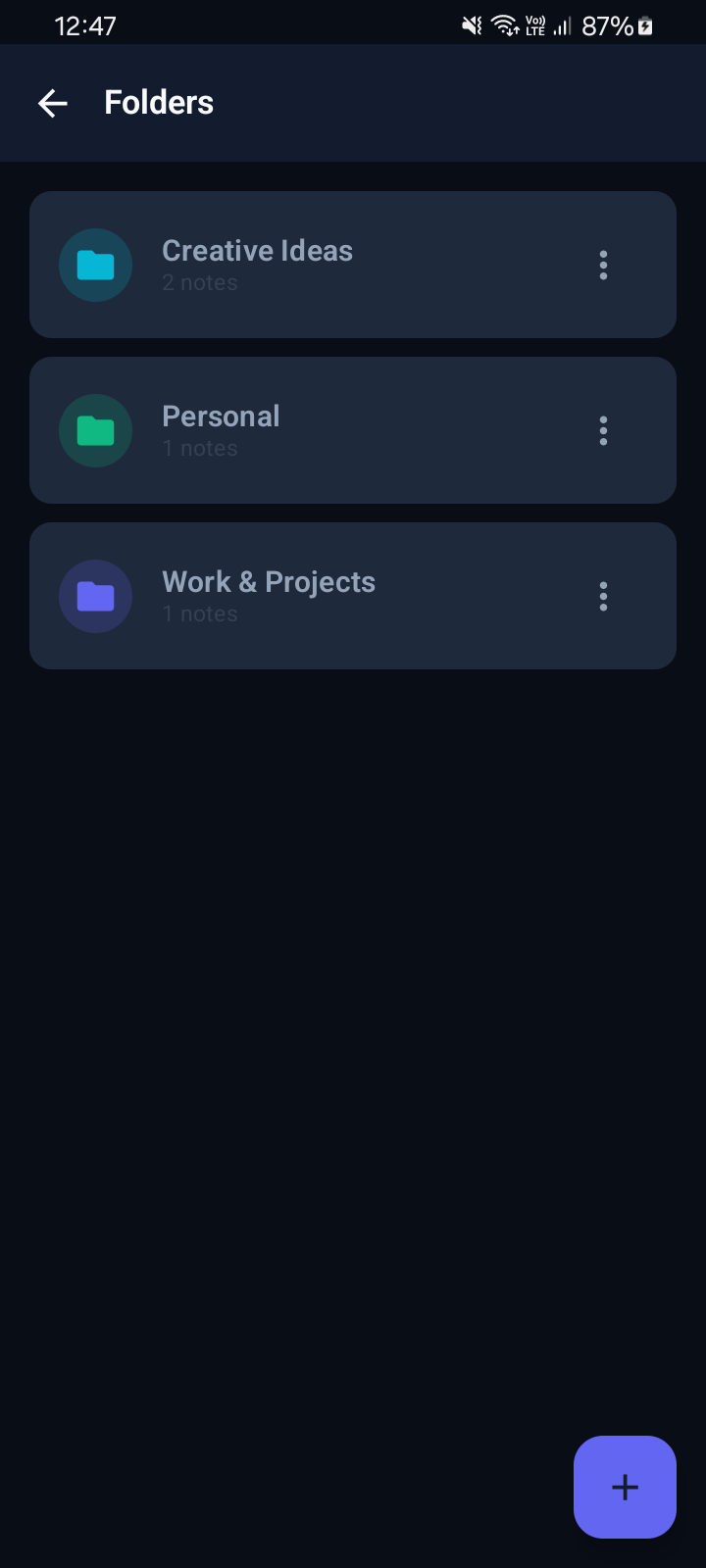
Folders & Categories
Custom color badges and note count trackers for every folder.
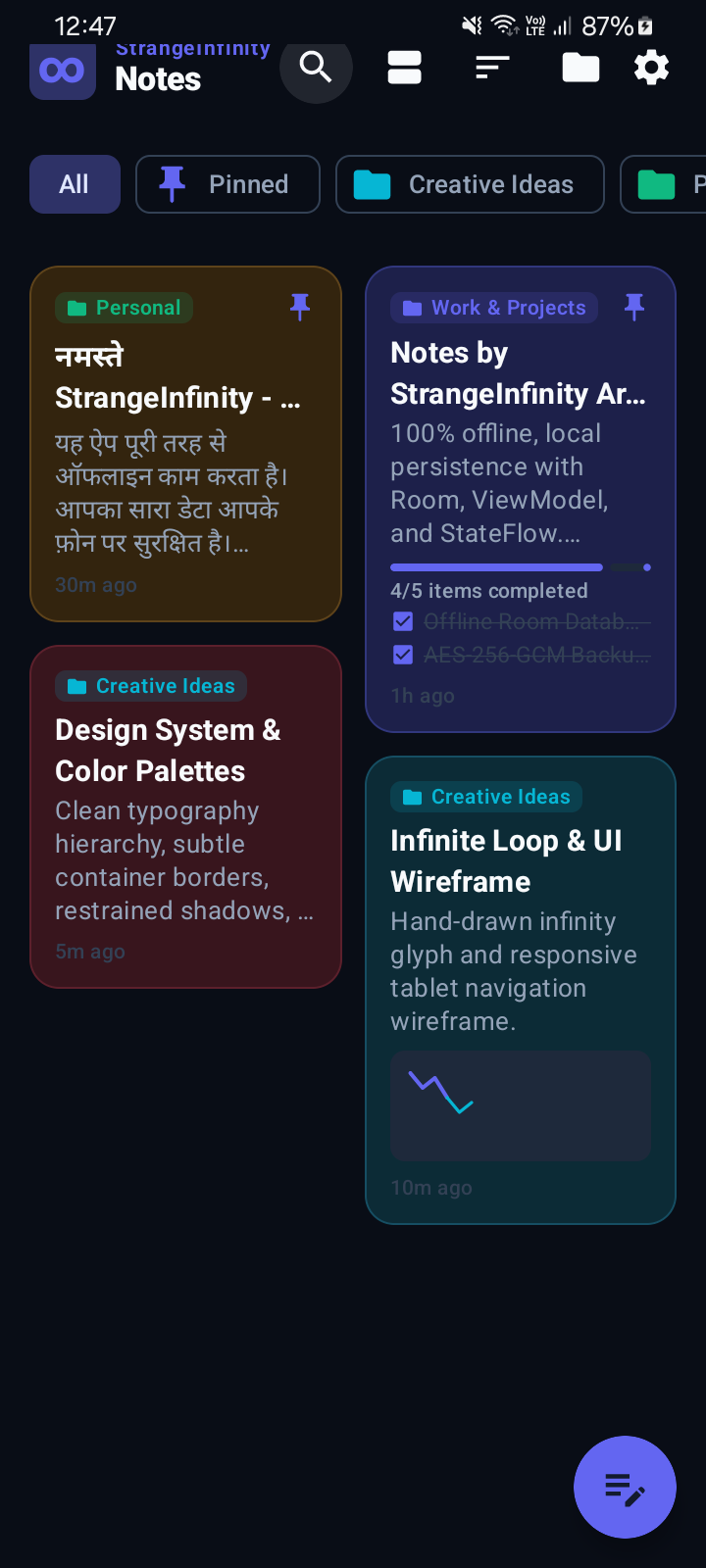
Instant Live Search
Real-time keyword filtering across titles, bodies, and tags.
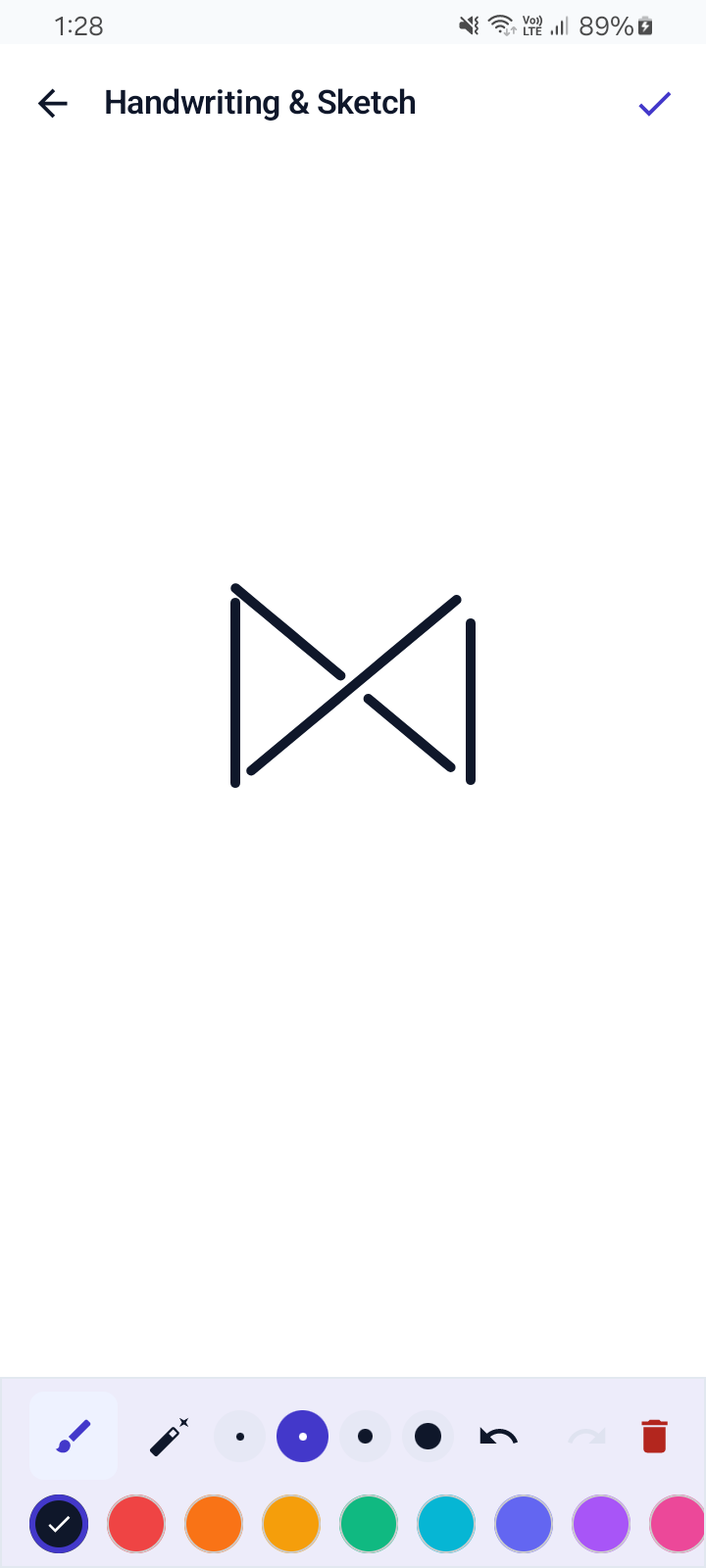
Vector Sketch Canvas
Quadratic Bézier curve handwriting with customizable stroke widths.
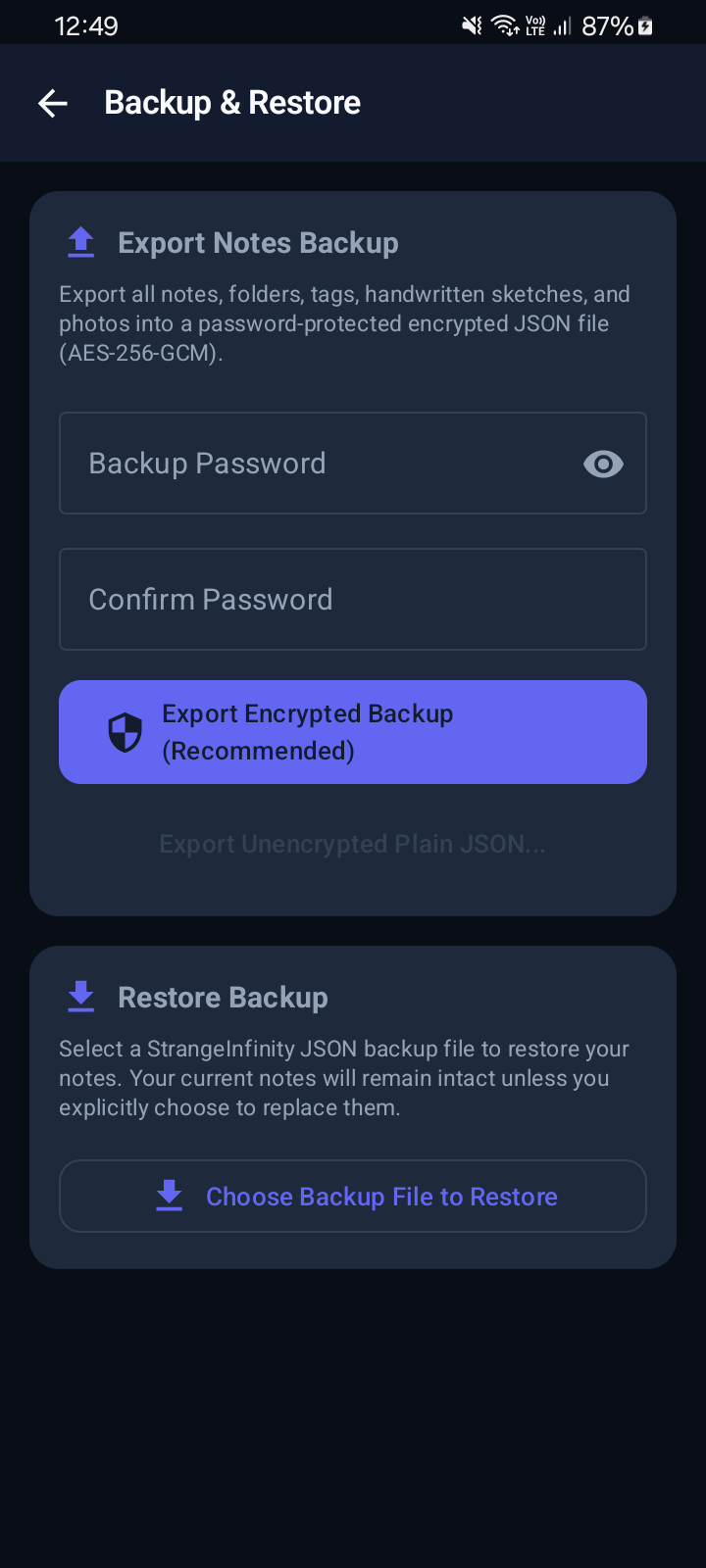
Encrypted Backup Vault
Client-side AES-256-GCM encrypted backup archive export & import.
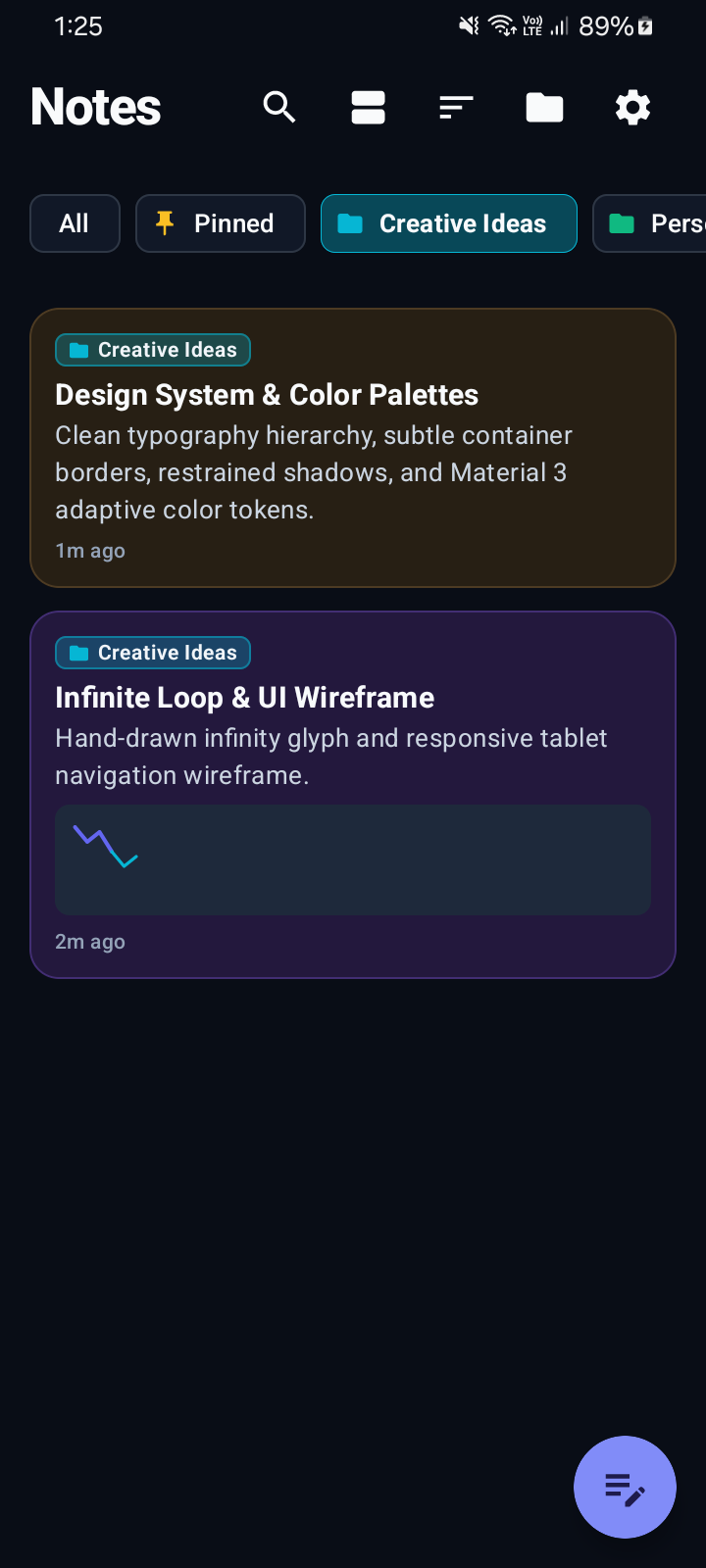
OLED Dark Mode
Deep obsidian background (#090D16) optimized for OLED battery life.
Sovereignty
Zero-Cloud Data Architecture
How Notes protects your sensitive personal thoughts and records.
No Internet Permission
The app completely omits the Android network permission. Even if malicious code were injected, it physically cannot connect to any server or upload data.
PBKDF2 Key Stretching
Your backup password passes through PBKDF2 with HMAC-SHA256 and 100,000 hashing rounds alongside a 16-byte cryptographically secure random salt.
AES-256-GCM Authenticated
Galois/Counter Mode guarantees both confidentiality and authenticity. Backups cannot be tampered with or modified without triggering decryption verification failure.
Storage Access Framework (SAF)
Notes uses standard Android document pickers to export and import backups. No broad device storage access permissions are requested or required.
Get Notes
Download & Install
Grab the official standalone Android release APK and experience private note-taking.
Notes v1.0.0 (Release APK)
Official standalone release APK signed and verified. Compatible with all Android smartphones, foldables, and tablets running Android 8.0 (API 26) through Android 14+ (API 34).
Quick Installation Guide:
- Download the
Notes-release.apkpackage to your Android phone or tablet. - Tap the downloaded file in your browser or notification shade to begin installation.
- If prompted by Android, grant permission to "Install Unknown Apps" for your file manager or browser.
- Open Notes and start capturing ideas immediately — 100% offline, zero setup required.